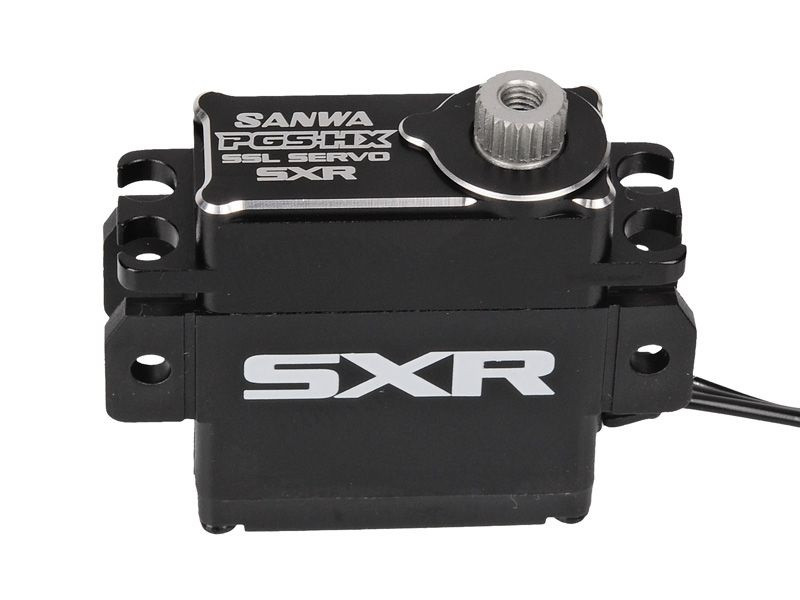
●FH5U: SXR(SANWA XTREME RESPONSE) MODE-COMPATIBLE
AL upper case installed based on PGS-HR gives more durability and more better drive feeling.
●SSL-COMPATIBLE PROGRAMMABLE SERVO
# Compatible with CODE 10 (M17, MT-5, MT-R, M12S, EXZES ZZ, MT-44)
Not Compatible with CODE 5 (M12, EXZES Z, MT-4S, MT-4, MT-S)
●MULTI SETTING GEAR-COMPATIBLE
●Faster response is 10 times than former SRG-HR and HS.
It is easy to set by 3 preset can be selected by using MULTI SETTING GEAR.
*3 preset values (type1 - 3 cannot change the values inside PGS
●SANWA Extreme Response mode compatible (SXR)
●SANWA Ultra Response mode compatible (SUR)
●SANWA Super Response mode compatible (SSR)
●SANWA High Response mode compatible (SHR)
●Specialized for 1/12 models
●LiPo (1 & 2cell) Battery
●Digital Servo
●Coreless Motor
●Full metal gear

Security policy

Delivery policy
| Speed |
0.10 sec / 60° (6.0 V) |
Torque |
5.8 kg・cm (6.0 V) |
| Dimensions |
27.0 x 12.1 x 30.5 mm |
Weight |
23.0 g |
Note
●Programmable Servo to be compatible with SSL & Telemetry at Launch
●Setting Adjustment by wireless from Radio
●Setting Adjustment to connect Servo with Setting Gear
●Regarding Temperature, Current, Voltage and Volume Position on Servo inside,
Telemetry-transmission can be passed to Radio.
# Initial Setting on Setting Gear is necessary.
Multi-Setting Gear Firmware for PGS-HX